
News Room
Stay Informed with Our Company News and Media Coverage
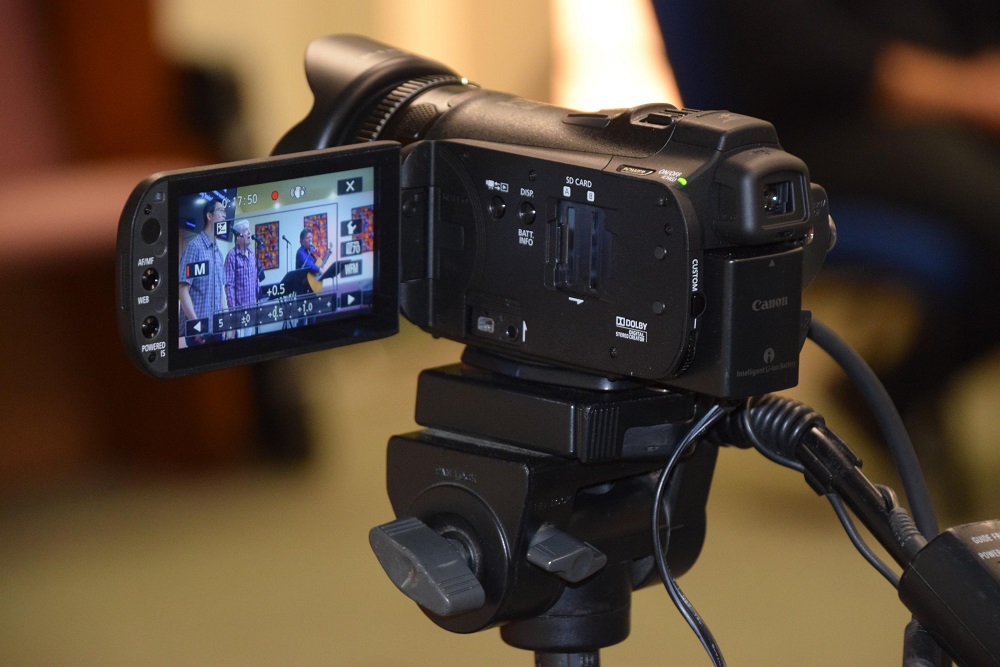
Producing a podcast video isn’t really about cameras or microphones; it’s about how well you structure a conversation so it still feels natural once it’s on camera. The best results usually come from clarity in planning and discipline during production, not from overly complex setups.
For creators and businesses in London, including those looking for the best video production in London, having a clear process helps reduce wasted time and uneven quality. Whether working alone or with a production team, a structured workflow makes the process easier to manage and repeat.
This breakdown reflects how podcast videos are typically built in practice, from early planning through to final delivery.
Are you trying to teach something? Share experience? Or build trust for your brand?
This matters because your goal decides everything else, including your topics, your tone, and even how long your episodes should be. Without a clear purpose, podcasts often end up feeling scattered or repetitive.
A simple way to think about it is this: if you removed the video, would the message still make sense? If not, your purpose may need work.
The best podcast topics are not always the most creative ones; they are the most relatable ones.
Think about what your audience already asks you. These are usually the easiest topics to talk about and also the most engaging.
If a topic feels too broad or too “perfect,” it often doesn’t work well in real conversations. Good podcast content usually comes from real problems, opinions, or experiences.
A common mistake is writing too much like a script. A podcast works better with a simple structure.
You should plan a clear start, middle, and end. This helps keep the conversation organised and easy to follow while still sounding natural.
In podcast video production, the recording space is as important as the camera.
Even with a good camera, a room with noise or echo will reduce audio quality. A quiet room with less echo and basic lighting can improve how the video and sound turn out, even if the setup is simple.
There is often a focus on gear, but consistency matters more than complexity.
Clear audio is essential. A good microphone, stable framing, and basic lighting are more useful than upgrading equipment often.
The best podcast recordings don’t feel “perfect”; they feel natural but guided.
In practice, that means allowing natural conversation while still gently steering it back when needed. If something clearly doesn’t work, it’s usually better to reset it than try to “fix it” mid-flow.
Good production is mostly small fixes done during recording.
Small issues like audio changes, slight camera shifts, and background noise can affect the video if no one notices them. Fixing them early makes editing easier and faster.
Editing is about making the conversation easier to follow, not changing it.
The goal is not to add effects or change how people speak. It is to remove parts that do not help the viewer. This includes long pauses, mistakes, and repeated points.
Adjust sound so all voices are clear and at a similar level. Cut anything that slows the flow or adds confusion. Keep the order of the conversation the same unless something is clearly out of place.
Good editing makes the video easier to watch without changing what was said.
Branding works better when it is used in a steady way. It should not take attention away from the conversation.
Simple intro elements, steady use of colours, and light motion graphics can help. If there is too much branding, it can distract from what people are saying.
Export settings should match where the video will be used. A video that looks fine in the editing timeline can lose quality after compression if the settings are wrong.
Checking the export settings before you finish helps avoid these problems.
Publishing is often seen as the last step, but it is part of the process.
Titles, thumbnails, and descriptions affect how people see the video before they watch it. Good podcast videos are planned and presented well, not only recorded well.
For brands producing content at scale, working with a production partner like LDN Videographer can help maintain consistency across episodes and remove the guesswork from ongoing production.
Producing a podcast video depends on how each step supports the conversation. When planning is clear, the recording space is controlled, and editing is done carefully, the final video is easier to follow.
In most cases, the difference between average and better podcast content is not equipment. It is how consistent the process is and how much attention is given to each step. This affects how clear and easy to watch the final video is.
For creators and businesses looking to refine this process or produce podcast content at a more professional standard, working with a production team like LDN Videographer can help bring structure, consistency, and polish to every stage of production.